About: Hi I am a web+mobile dev from Rajkot, Gujarat, India
Location:
India
Joined:
Aug 9, 2021
Halfmoon: The forgotten CSS Framework
Publish Date: Oct 23 '21
72 25
In this post you will learn about a very beautiful CSS framework, halfmoon css that you will rarely see someone using but is perfect for any person who wants to use a CSS framework.
We often see people talking about bootstrap, Tailwind CSS or Bulma CSS when it comes to CSS frameworks. Once I wanted to use some css framework for one of my projects, and I tried to find some new ones, and in a blog post I saw the mention of halfmoon css, I just saw it and I was really surprised, like such a beautiful framework and no one talks about, no one uses it, or only few use it, but you rarely hear or read about it!
What I like about it is that having dark mode, a very difficult task for people who are not very good at front end, but want to develop a full stack app with a good front end having both light and dark modes! It is very easy to learn as well because its look and css classes are highly inspired from bootstrap. Its documentation as well is very easy to understand, so let's now go ahead and try to create a simple tip counter app in pure html and javascript, with a dark mode.
Building the tip calculator
Full source code for this app available on Github:
Now let's add an h1 tag just for testing purpose- which says our dear old Hello, World!:
<h1>Hello World</h1>
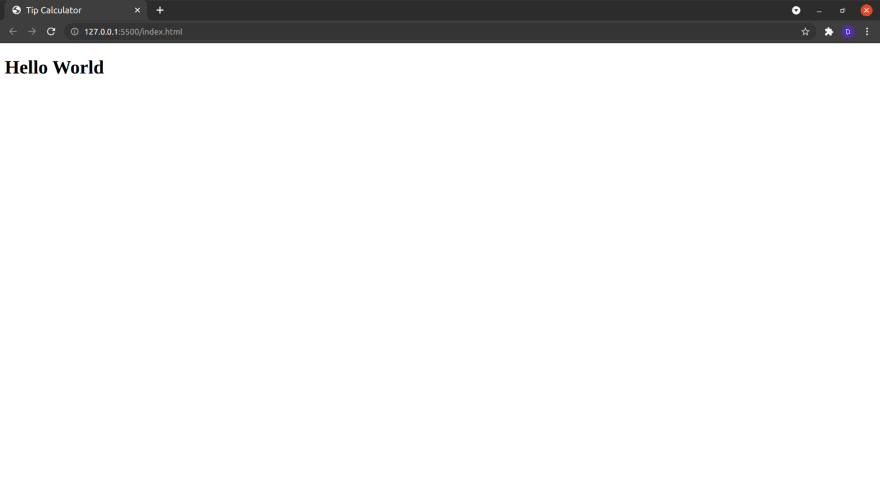
And then open the html file in a browser. I am using Live Server extension to get hot reload.
You would see and old school hello world there:
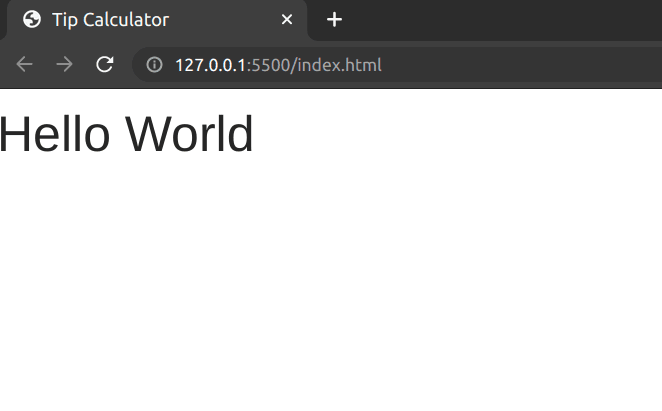
Now let's visit half moon css website and move to the docs page. Click on 'Download' link on the sidebar, and scroll down to cdn section. Copy the link tag and paste in the head section and add script tag above the script tag which we added before. Now your code should look like this:
Ok so now in the browser you can see the difference in font in the html page.
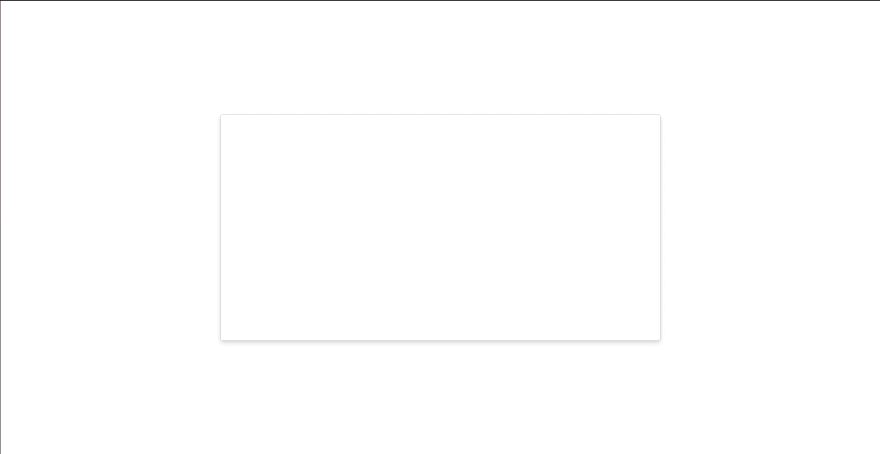
Ok so let's start making our tip calculator. Now I want everything to be in center, so let's create a div, which will be placed in the center of our web page, and give it the following classes:
h-half (For giving a half height, that is 50%)
w-half (For giving a half width, that is 50%)
border (For giving it a border)
rounded (For giving it border-radius)
shadow-lg (For giving it a shadow of large size)
If you have experience with bootstrap, you can see that these classes are very similar to it.
Now to center this div, wrap it inside another div, with classes:
h-full (To give 100% height)
w-full (To give 100% width)
d-flex (To give a display: flex; property)
flex-column (To give a flex direction of cloumn)
justify-content-center (To justify the content center vertically (note that flex column makes the justify-content and align-items opposite))
align-items-center (To align the items center horizontally)
Now let's give a header to our centered div. So create another div element with an h1, and a button with the text- toggle dark mode.
To make this beautiful let's add some halfmoon classes.
DIV:
d-flex
justify-content-around
align-items-center
H1
font-weight-bolder
BUTTON
btn
btn-primary
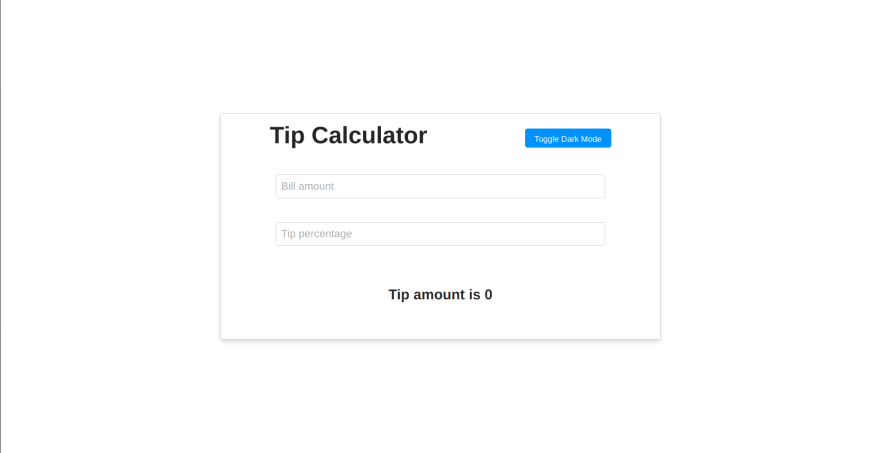
This will give us a beautiful header with a blue button.
Now let's have another div below the header div, with classes d-flex, flex-column, h-three-quarter (for 75% height), align-items-center, justify-content-around, and add 2 input boxes, with type number, with placeholders total bill amount and tip percentage, and ids bill and percentage and a paragraph tag with the text: Tip amount is 0 and put the number '0' in a span with id of tip-amount.
Next, to give it a good style let's add some classes. To the input boxes give the classes of form-control, form-control-lg and w-three-quarter. You pretty much now understand how the class names work in halfmoon. Also add the classes: font-size-24 and font-weight-semi-bold to the paragraph tag to make it look good. Now finally your code inside the body tag should look like this (excluding the script tags):
So now our calculator is functional, but note that as we have mentioned input type as number, you need to use arrow keys for incrementing and decrementing the number to trigger the change event, or if you prefer to type in the number, then you need press enter key after typing in the number to trigger the change event, otherwise browser won't detect the change event just when you type.
Now the final part is to adding the darkmode toggling functionality. And in fact it is the easiest to do!
So first in the button we created for toggle darkmode, add an onclick listener for a function which you might call, suppose, toggleTheme.
<buttonclass="btn btn-primary"onclick="toggleTheme()">
Toggle Dark Mode
</button>
and in javascript file, let's create this function which just uses the halfmoon variable which we get from the javascript cdn of halfmoon to call the toggleDarkMode function from it, and that's all you need to do for toggling dark mode in your website, really!
consttoggleTheme=()=>halfmoon.toggleDarkMode();
To get the full source code of this app visit the github repository provided above the section where we started writing the code for this app.
So did you see how easy and cool is Halfmoon CSS. I hope you enjoyed using halfmoon and will use it in your future projects.
If you make a project using halfmoon css, be sure to link it down below in the comments of this post, I will have good time looking at them!
Oh!
But u can still write about it and put it here in comments so readers of this post can know more about it from your post as well!
Please put the link here and I will add it in the post above as well!
I love this framework but if I remember the creator stop working on this project... 😭
I already create some little project with halfmoon like alexis-guay.fr/
Your projects really show how nice halfmoon is!! Your portfolio is wonderful, even though I don't get much what you have written because its not English!
That's strange - I saw it in French for a split second, and then my Android phone immediately translated it into halfway decent English (I think most desktop browsers will ask if you want to do this).
I thought just the other day that the community should fork it and pick it up 😊.
It'd be a real shame to relegate such beautiful work to the dustbin...
I have used this CSS framework for a dashboard project (developed with Django), and it's quite good. I love the design and I agree that it's beautiful. Hope one day this project will be resurrected. Even for the dashboard, it's still need so many components to make a powerful dashboard. Furthermore, JavaScript framework (Vue, React, Angular) support will make this framework has much more user in the future. Let's hope !






I was planning to write something about HalfmoonUI, but here you are.