

GitHub has introduced a number of amazing features this year (2021) and personally I love them all (codespaces, copilot etc).
One of them is Command Palette. Which makes it really easy to navigate and change settings anywhere on GitHub.

You can do things like toggling between Dark/Light mode, creating new repositories, issues, pull requests etc without navigation between pages.
Opening Command Palette
You can open command pallete using one of the following keyboard shortcut:
Windows and Linux: Ctrl + k or Ctrl + alt + k
Mac: ⌘ + k or ⌘ + option + k
When you open the command palette, it shows your current location at the top left, for example:
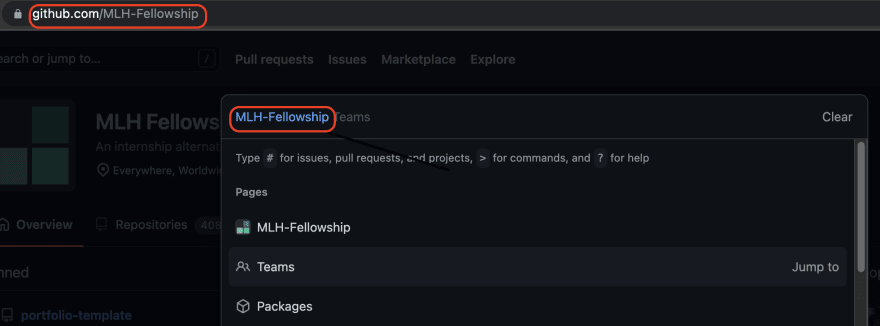
Prefixes
The command palette has different prefixes.
-
#for pull requests and issues -
>for commands -
?for help
Let's try something with command palette.
Toggling modes from Command Palette
Toggling modes from command palette is pretty simple and super quick. All you need to do is to simply open it and type > theme and it will list down the available options.

For more details, visit GitHub Command Palette.