

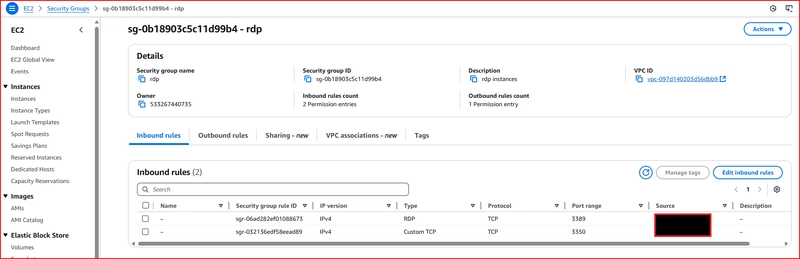
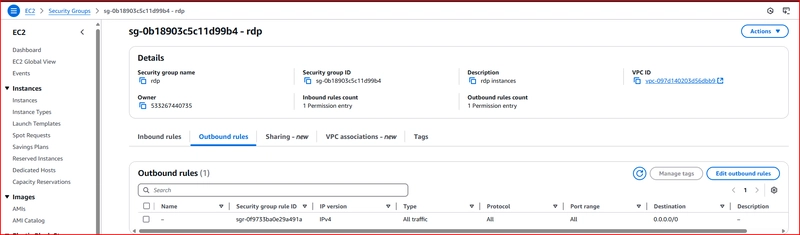
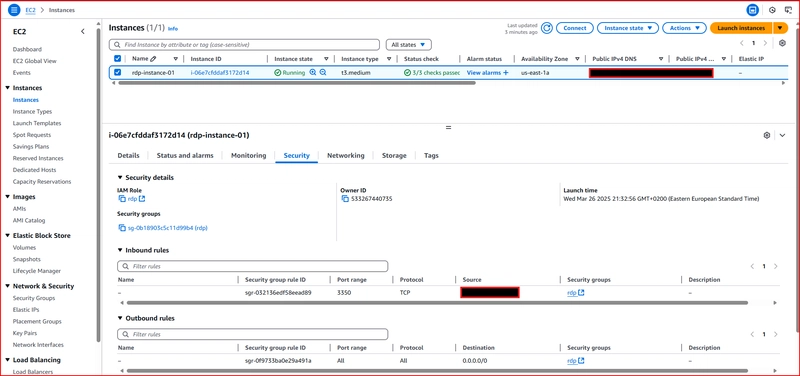
1- Create security group with outpund to everywhere and inbound on port 3350 and 3389 to your ip only
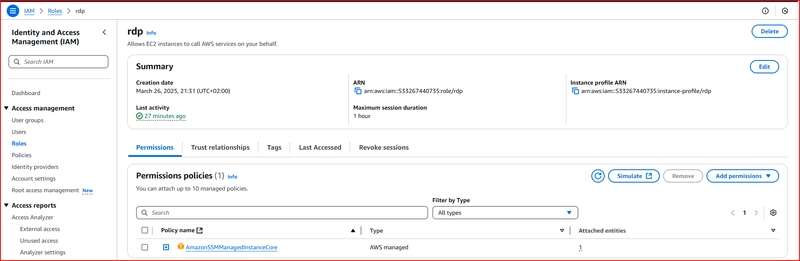
2- Create role of policy SsmManagedInstanceCore
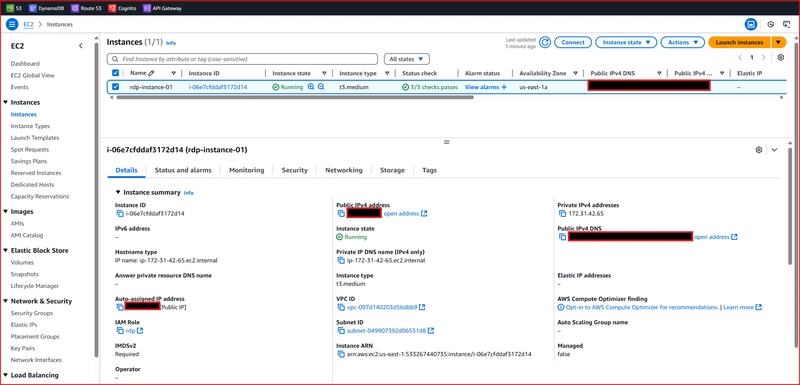
3- Install ubuntu machine with public ip enabled in public subnet, without keypair
attach previous security group created at step 1 to the machine and role created in step 2 to the instance profile
4-Connect to machine using ssm session
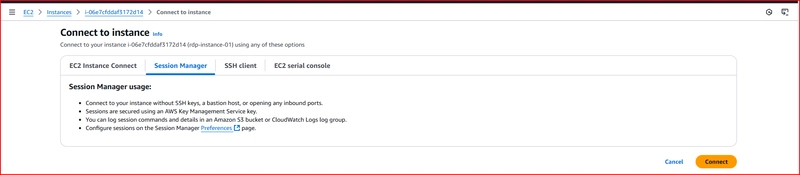
then run the following commands
sudo su -
apt-get update
apt install xrdp
systemctl enable xrdp

###add-apt-repository tool that adds new software repositories to your system's APT (Advanced Package Tool) sources.
###ppa:gnome3-team/gnome3 a Personal Package Archive (unofficial Ubuntu repository). maintained by the GNOME 3 development team.

add-apt-repository ppa:gnome3-team/gnome3
apt-get install gnome-shell ubuntu-gnome-desktop
passwd ubuntu
5-then connect using remote desktop application from your local machine to public ip of the ec2 machine


You can’t use RDP directly on Ubuntu because it doesn’t run Windows Remote Desktop by default. Instead, install an RDP server like xRDP on your EC2 Ubuntu instance, open port 3389 in your security group, and then connect from your local machine using Remote Desktop.