

** Update: as of 1/25 I fixed the issue!!!! I had to add the 'basename' attribute to BrowserRouter:**
 <BrowserRouter basename="/shopping_cart">
....
<BrowserRouter/>
Here's the live site
I am currently working on The Odin Projects "Shopping Cart" Assignment. Right now I am stuck on the Router section.
When I'm opening the project in VS code and using npm start to launch the application, this is how my screen looks:
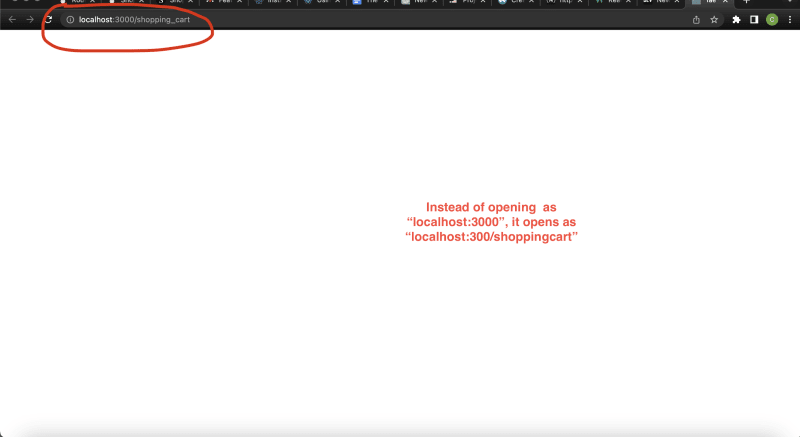 and this is my terminal after entering npm start

For me to access the home page, I need to edit the url like so:

I'm trying to figure out what I did wrong but still don't understand what's going on. Here's my github repository. Any help is greatly appreciated. Thank you!


That's because on your package.json the homepage attribute is set with "/shopping_cart". Remove that and it should work just fine.